> For the complete documentation index, see [llms.txt](https://docs.cspr.click/llms.txt). Markdown versions of documentation pages are available by appending `.md` to page URLs; this page is available as [Markdown](https://docs.cspr.click/cspr.click-v1.12/cspr.click-sdk/react/customizing-the-top-bar.md).
# Customizing the top bar
{% hint style="info" %}
While we recommend to include the CSPR.click top bar in your application, if you have your own Sign in and session management controls you can opt-out. To do so, do not include the `topBarSettings` prop to `ClickUI` and CSPR.click won't render the top bar.
{% endhint %}
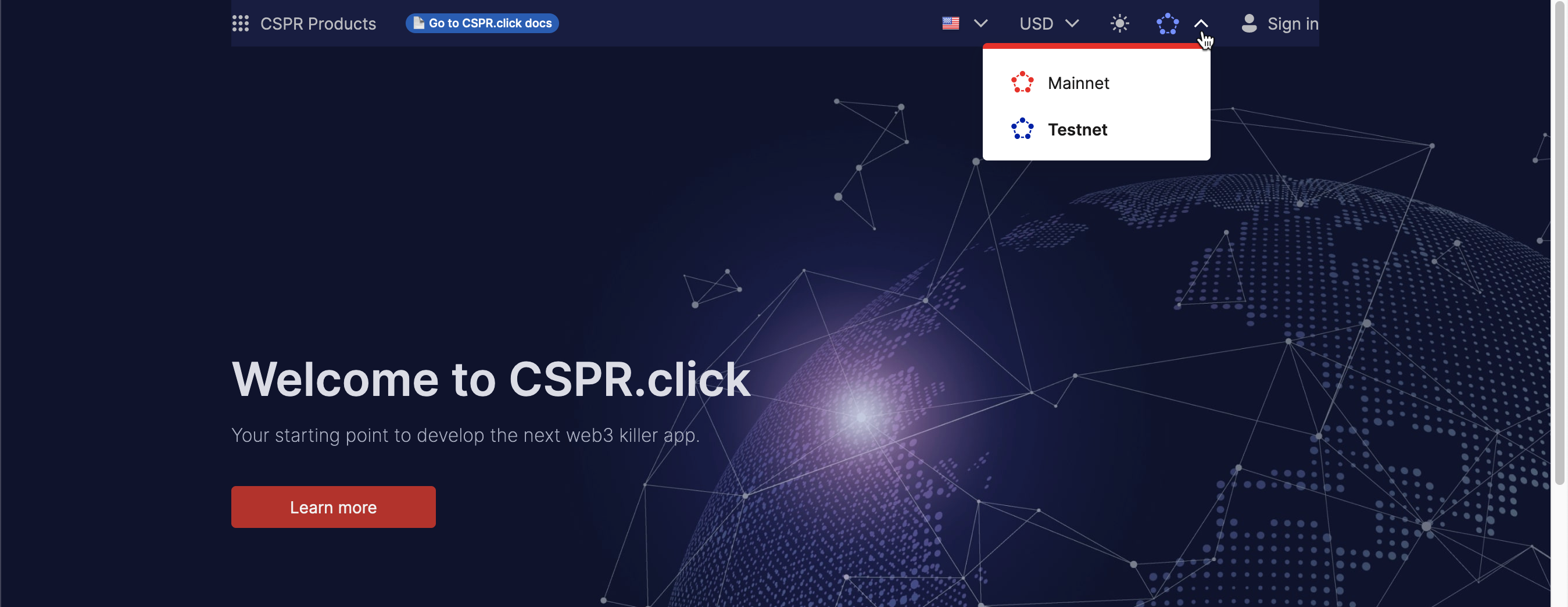
CSPR.click includes a navigation bar that displays on the top of the web application. It's the same navigation bar you can find on CSPR.live and other applications that integrate CSPR.click.
CSPR.click navigation bar
In this top bar you always see the CSPR Products menu on the left side, and the Account menu on the right side. The rest are customizable selectors that you can choose to add or not. Most of them are customizable as we'll see in the next pages.
### TopBarSettings object
This object wraps all settings in the navigation bar and is included to `` as a prop. More on each configuration in the following subpages.
```tsx
const topBarSettings: TopBarSettings = {
accountMenuItems,
onThemeSwitch: toggleTheme,
languageSettings: languageSettings(lang, setLang),
currencySettings: currencySettings(currency, setCurrency),
networkSettings: networkSettings(network, setNetwork),
};
```